Overview
After setting up a contributor evaluation, navigate to the Annotation Tasks section in the Evaluations tab to manage and monitor your evaluation tasks.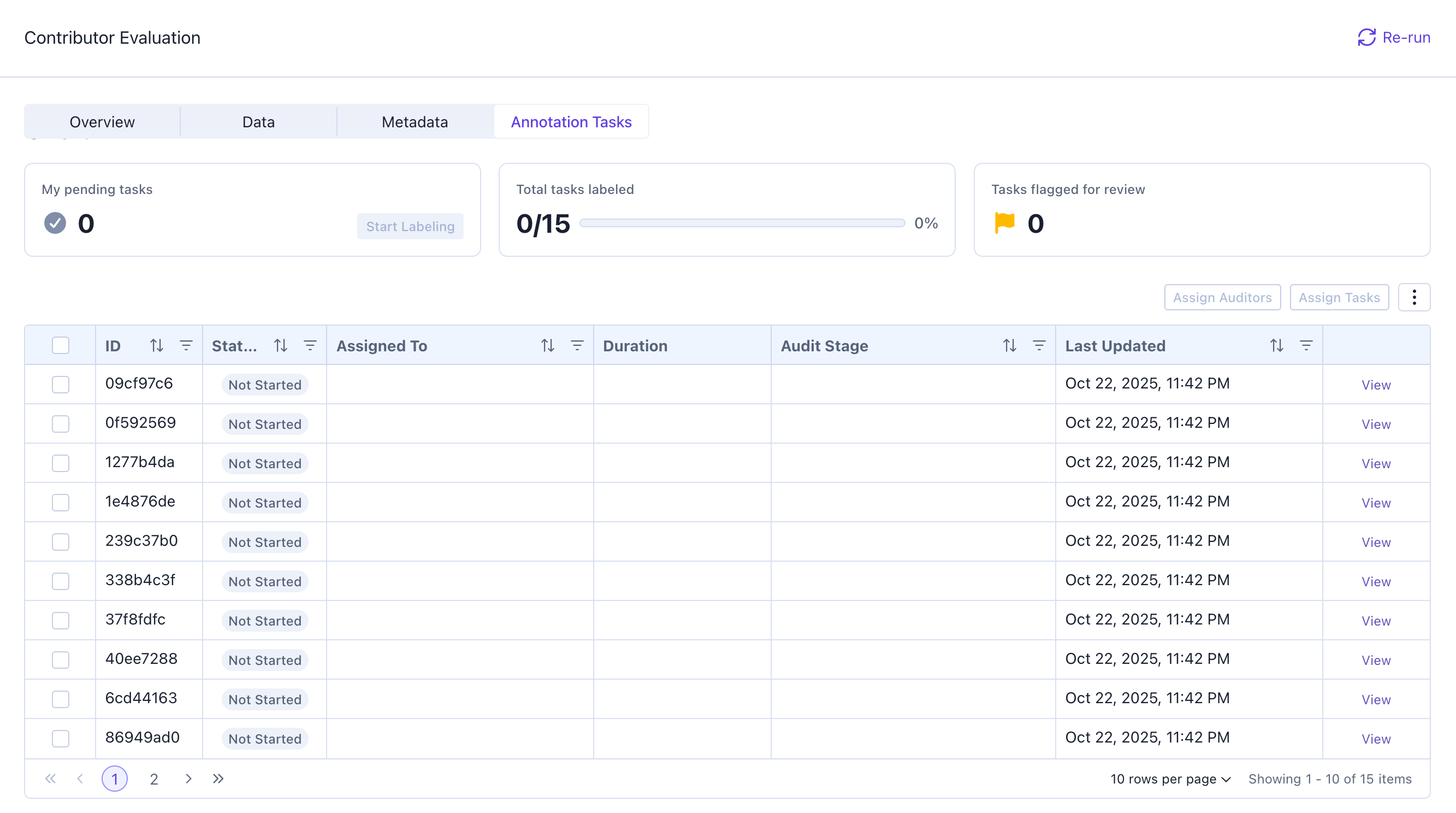
Assigning Tasks
Users can assign tasks to others either by going to the Assigned To column and selecting a user to assign each individual task to a user. Or they can use the checkbox and bulk assign tasks to a user.Individual Task Assignment
Bulk Assign Tasks

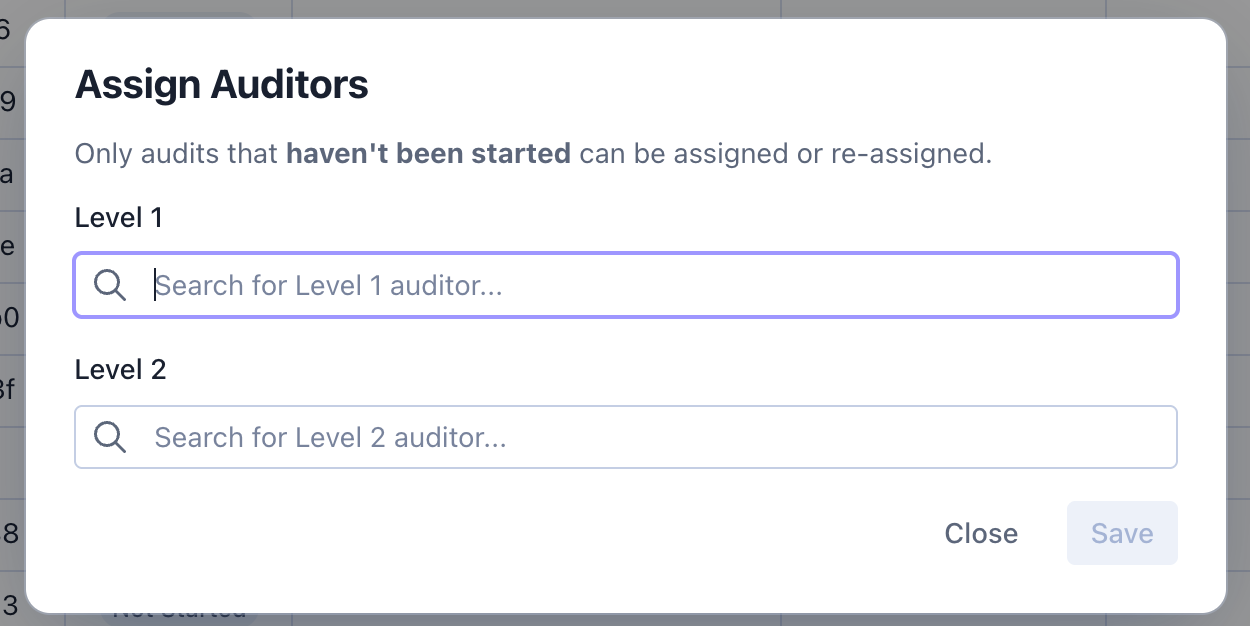
Assigning Auditors to Tasks
Users can also assign auditors to tasks by going to the Audit Tasks section. The platform allows for two levels of auditing. The first level of auditing can only be completed after the task is completed. The second level of auditing can only be completed after the first level of auditing is completed. For a single task, the user who labels must be different from the first level auditor. The second level auditor must be different from both the first level auditor and the person who did the labeling.