
Application Setup
Evaluations are tied to an external application variant. You will first need to initialize an external application before you can evaluate your application. To create the variant, navigate to the “Applications” page on the SGP dashboard, click Create a new Application, and select External AI as the application template.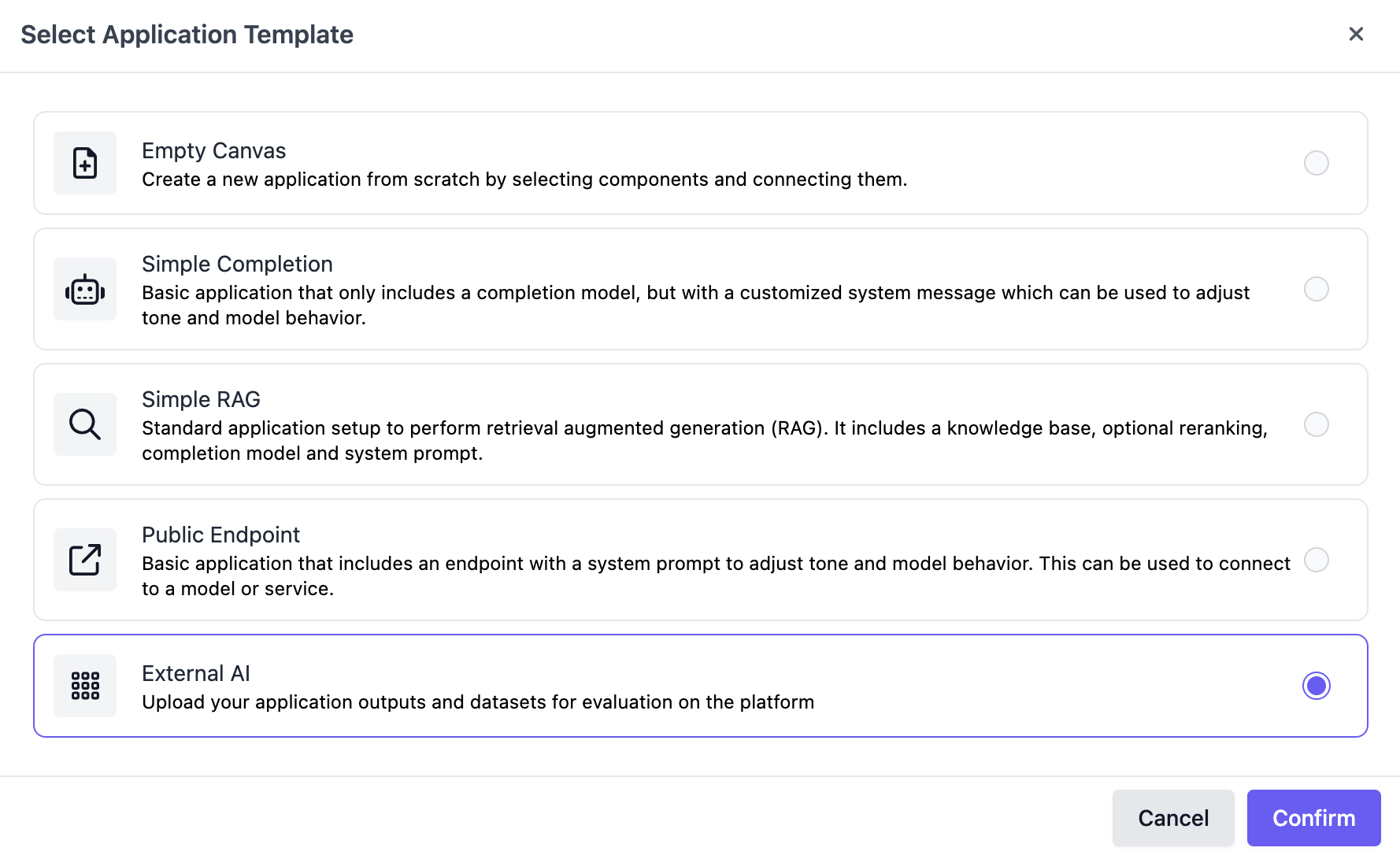
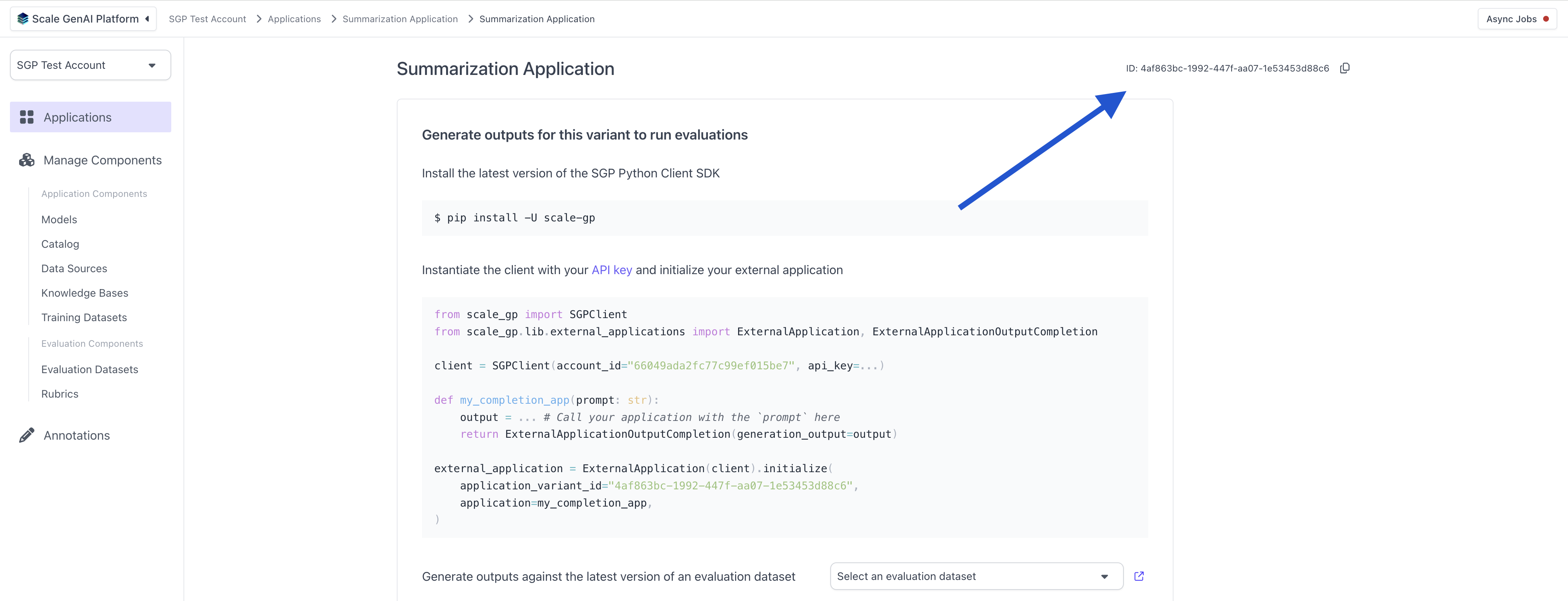
application_variant_id in the top right:
Summarization Evaluation using the UI
Create Evaluation Dataset
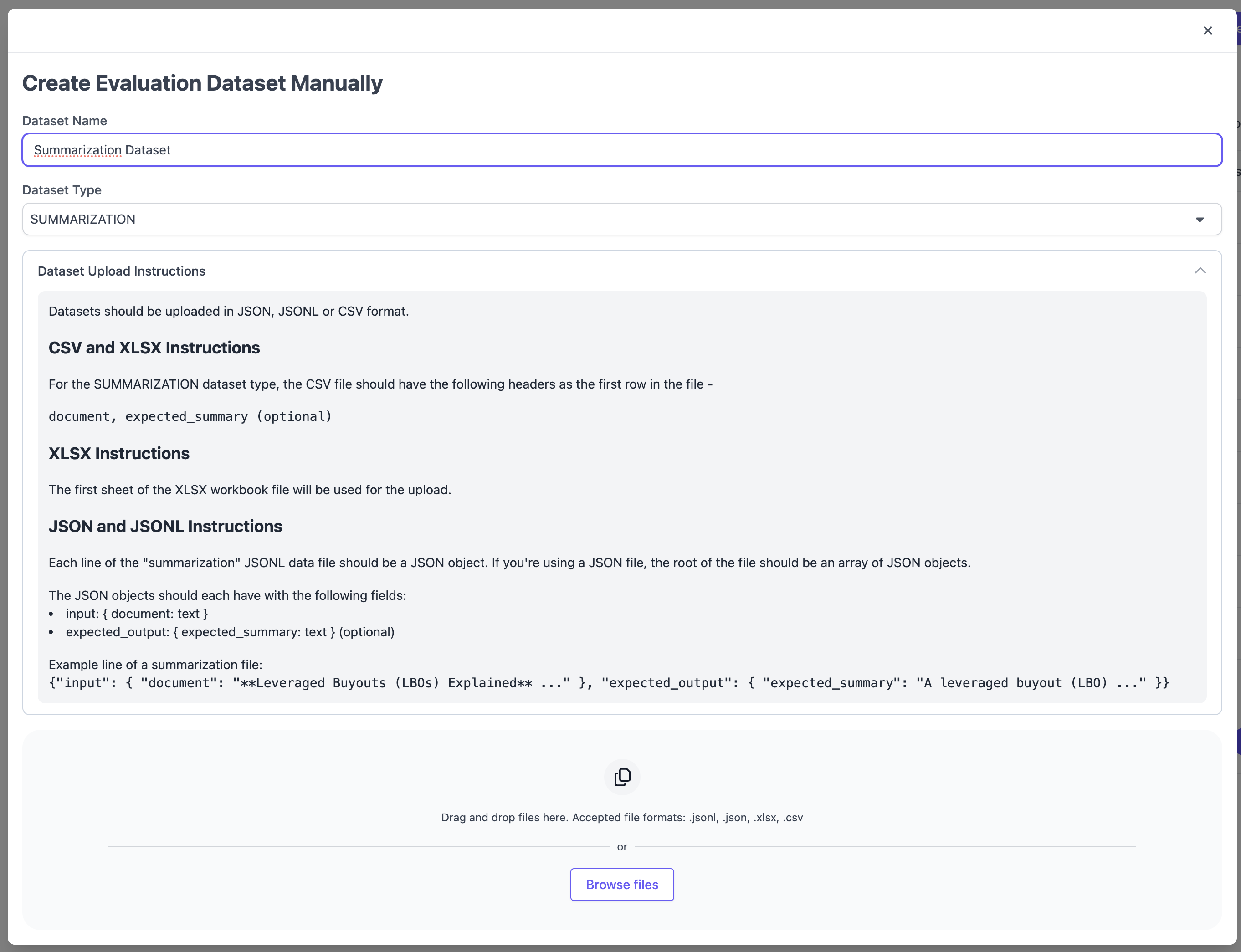
First, we need to set up an a summarization evaluation dataset. To do this, we can navigate to the “Evaluation Datasets” page in the left hand navigation and hit “Create Dataset” in the top left, chosing “Manual Uplaod”.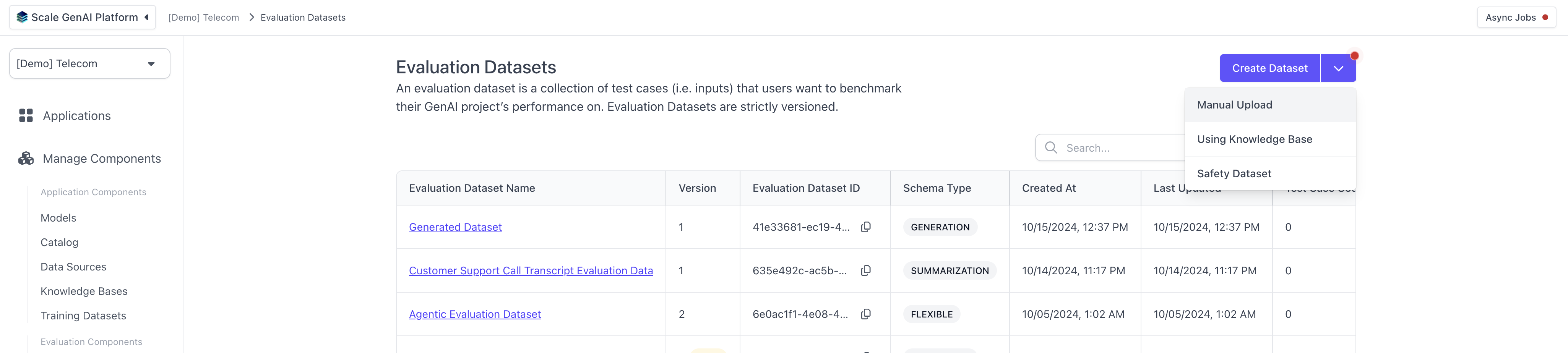
SUMMARIZATION and follow the formatting instructions. Supported file types include CSV, XSLX, JSON and JSONL.
Upload Outputs
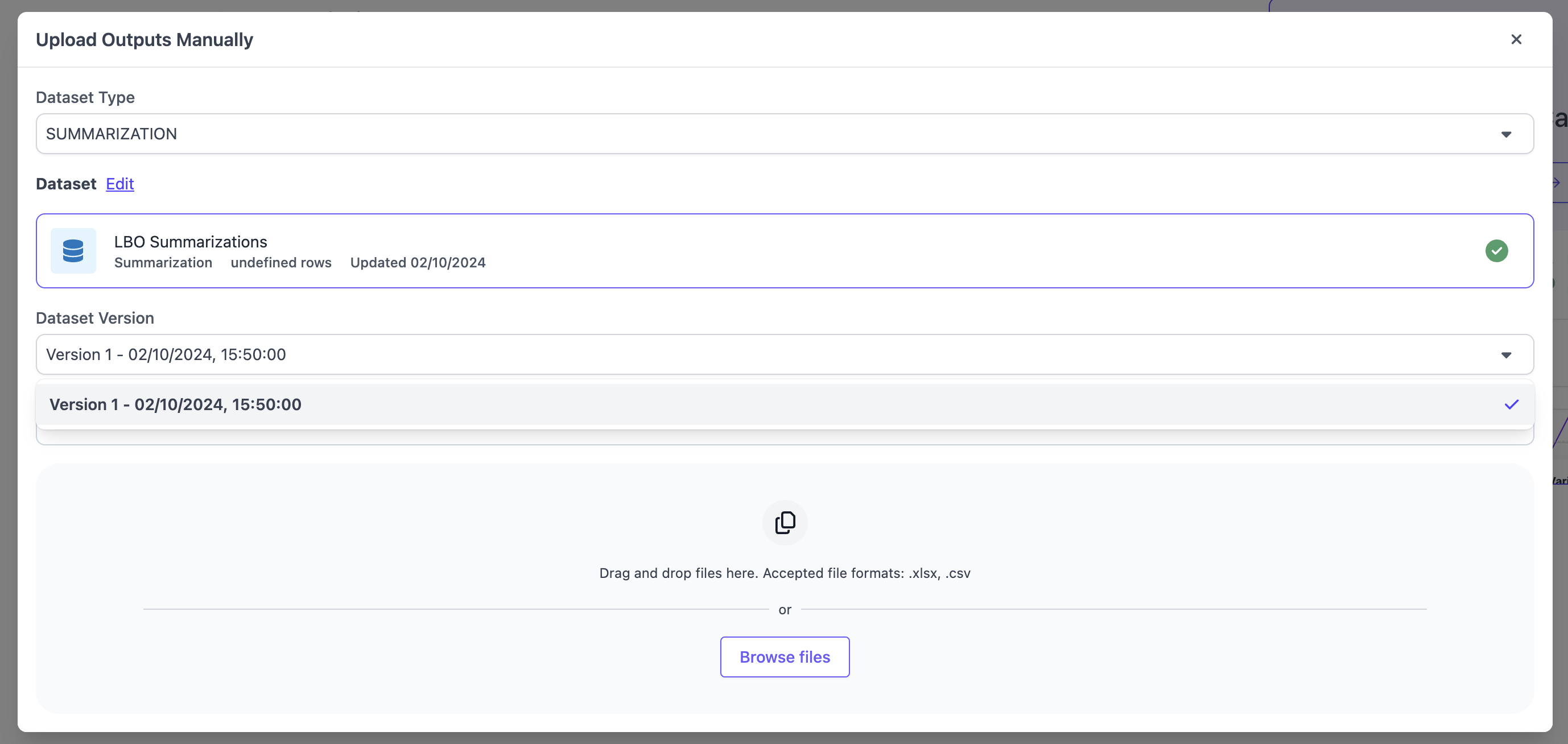
After creating the dataset, you can now upload a set of outputs for your external AI variant using this dataset. Navigate to the application variant you created previously and hit “Upload Outputs” in the top right hand corner.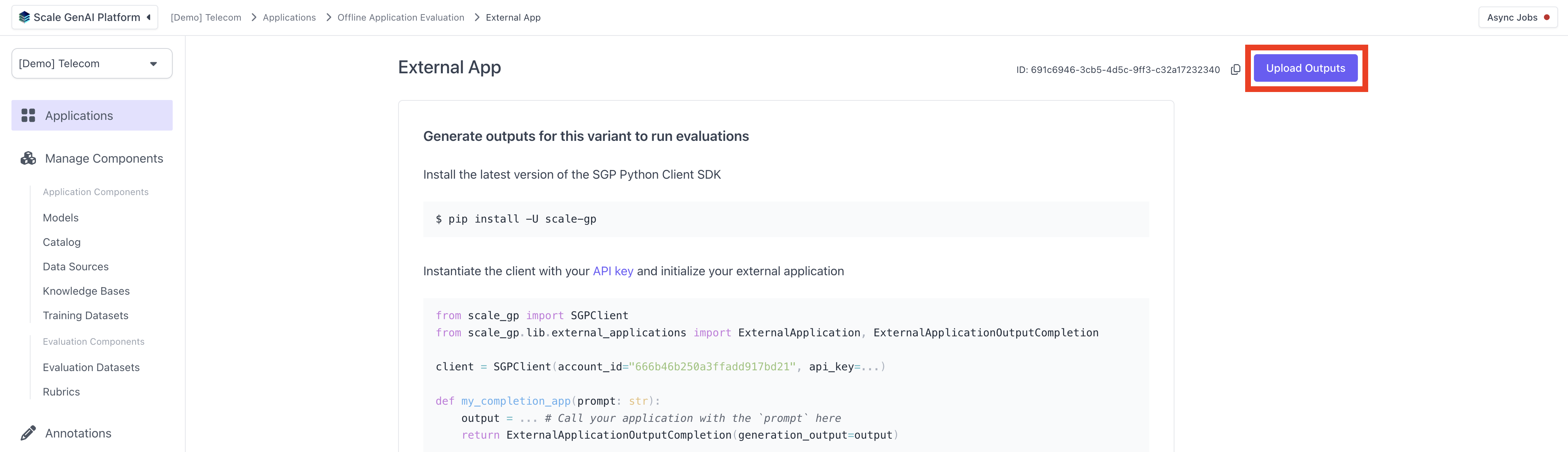
SUMMARIZATION as the Dataset Type and pick a dataset that matches that schema. If the dataset has multiple version, you will have to select the version of the dataset for which you want to upload the outputs. Ensure to follow the upload instructions for the file type you are choosing. We support the same file types as for the evaluation dataset upload, CSV, XSLX, JSON and JSONL.
Run Evaluation
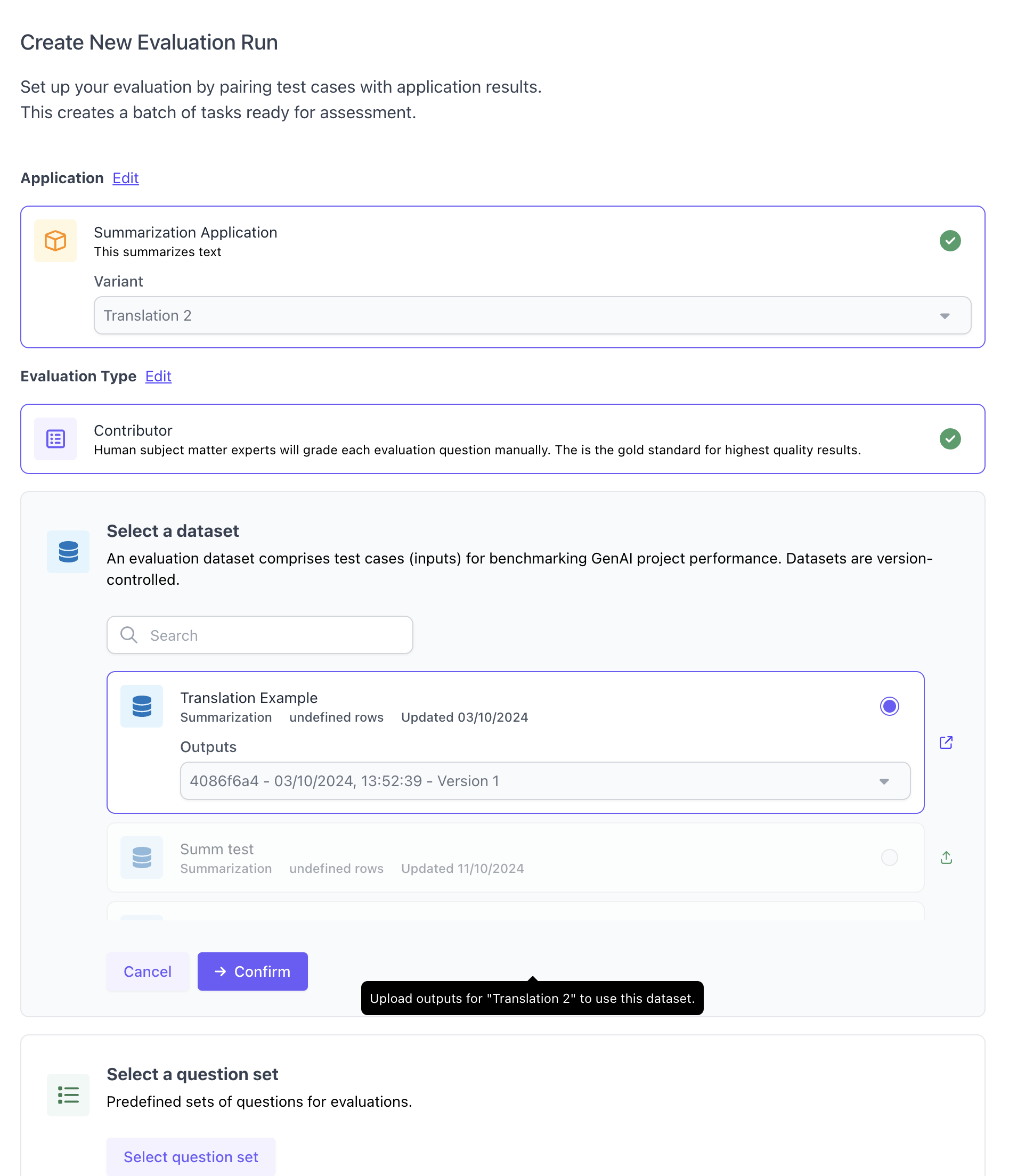
After uploading outputs, you can create a new evaluation run. You will need to select an application variant and dataset, including the set of outputs you just uploaded within the given dataset. Furthermore, you will need to select a question set. Note that currently summarization evaluations only supportContributor evlauations and no auto-evaluation from the UI.
Summarization Evaluation using the SDK
This part of the guide walks through the steps to create and execute an summarization evaluation via our Python SDK.Initialize the SGP client
Follow the instructions in the Quickstart Guide to setup the SGP Client. After installing the client, you can import and initialize the client as follows:Define and upload summarization test cases
The next step is to create an evaluation dataset for the summarization use case. TheSummarizationTestCaseSchema function is a helper function that allows you to quickly create a Summarization Evaluation through the flexible evaluations framework. This function assumes the application you want to evaluate has a document as an input and the expected summary of the document as the expected input. It takes in a document and a expected_summary and creates a test case object.
In order to use this function, you start by creating a list of data for your test cases. The test case data is represented as an object that contains a document (a string containing the text of a document you want to summarize) and expected_summary (the expected summarization of this document) key.
SummarizationTestCaseSchema function.
Create the summarization dataset
Next, we create the actual evaluation dataset and upload it to the relevant account in SGP. After running this, you’ll be able to see the evaluation dataset in the UI when navigating to the “Evaluation Datasets” section in the left hand side bar.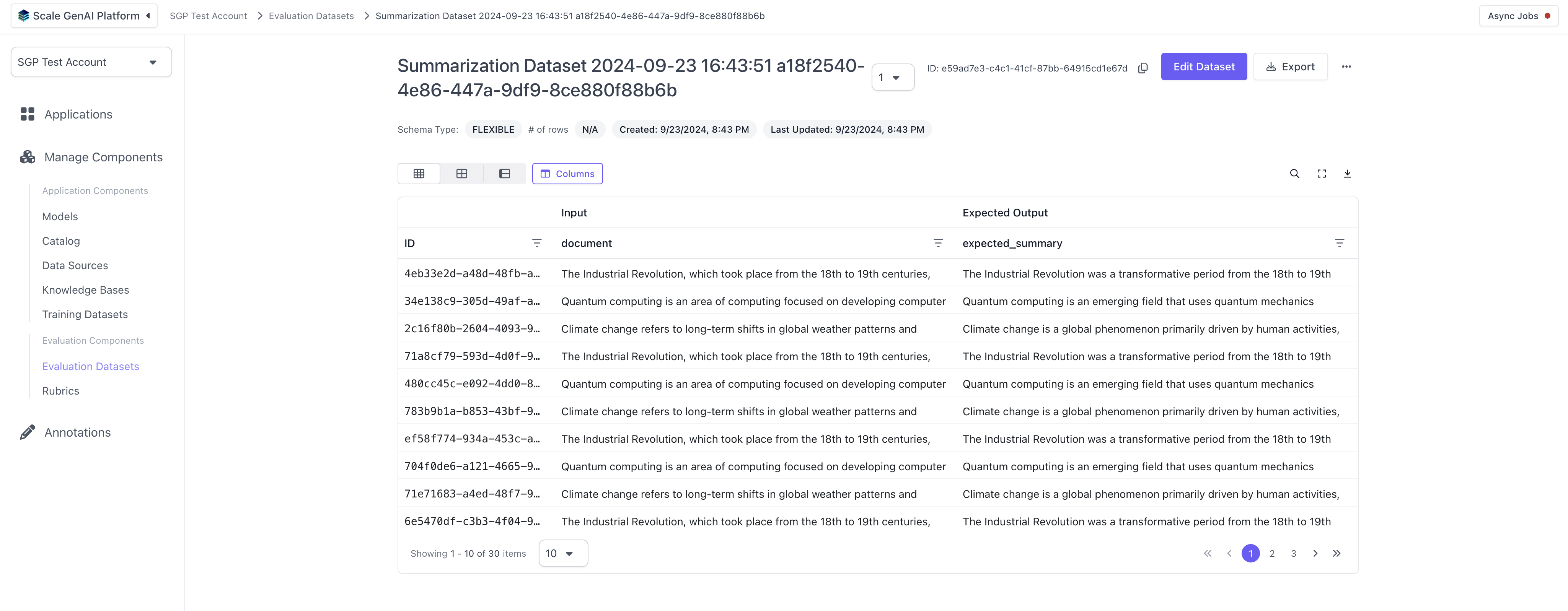
Configure and run summarization application
Create evaluation questions
Next up, we need to define the evaluation questions that we want to evaluate for this given summarization app. In the case below we are creating three questions: accuracy, conciseness and missing information.Create question set and annotation configuration
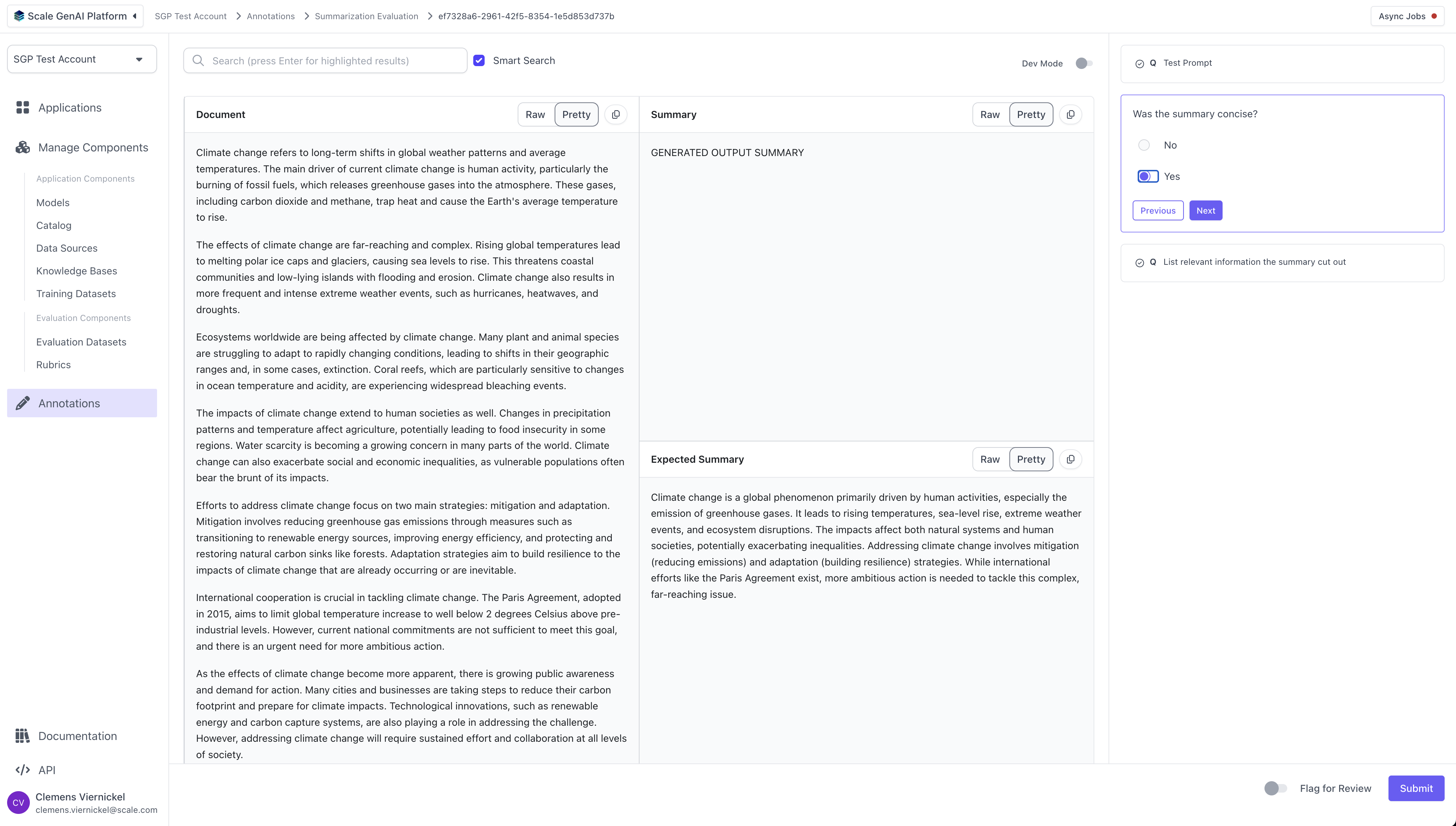
Finally, we bundle the previously created questions into a “question set” and set up the annotation configuration. The annotation configuration defines the layout and fields that the annotator of the evaluation will see. Because we are using the predefined “summarization” template, we do not need to configure anything here. For more details on all the configuration options for the annotation config, please refer to the “Full Guide to Flexible Evaluation”.Run the evaluation
With everything set up, we can now run the evaluation by providing the relevant variant and application ids.Perform Annotations
Once the evaluation run has been created, human annotators can log into the platform and begin completing the evaluation tasks using the task dashboard.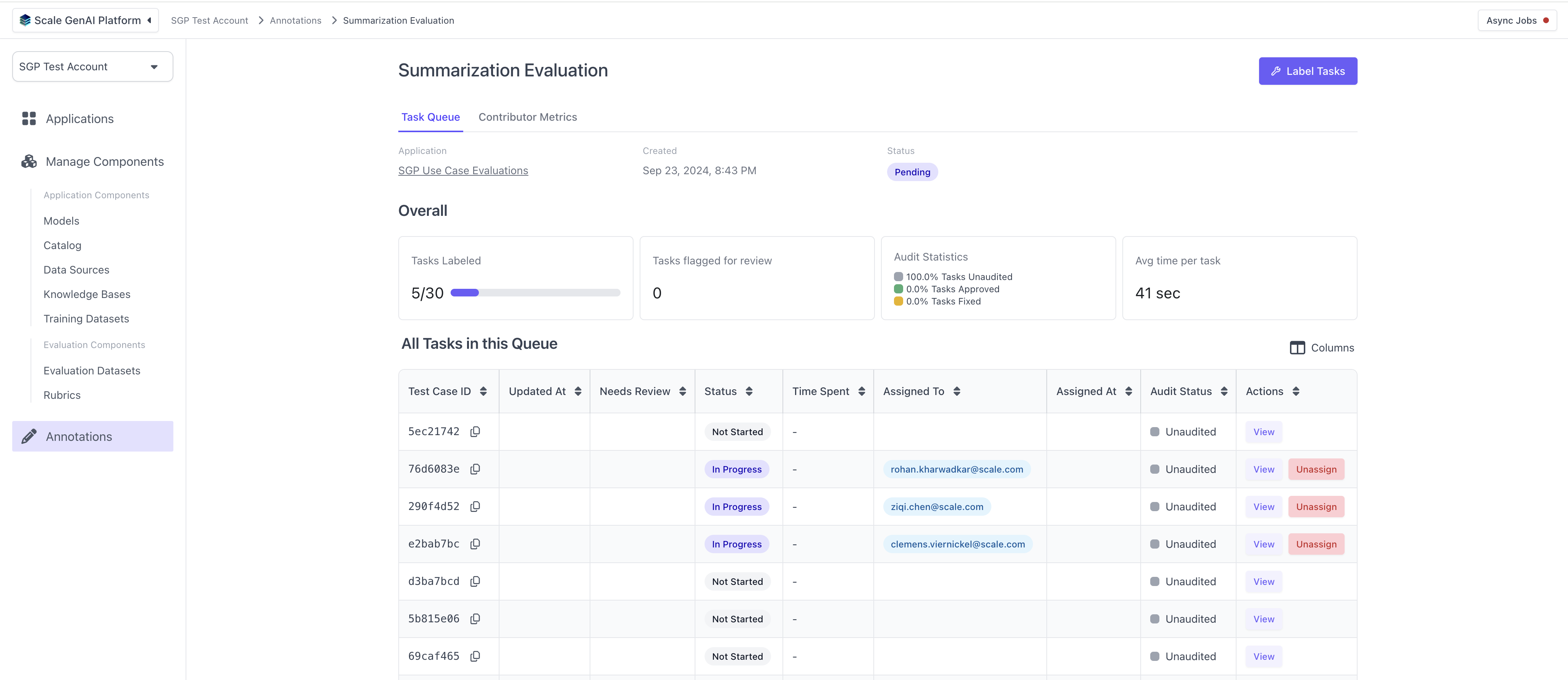 For each task, the annotators will see the layout defined by the summarization template and the questions configured in the question set.
Review Results
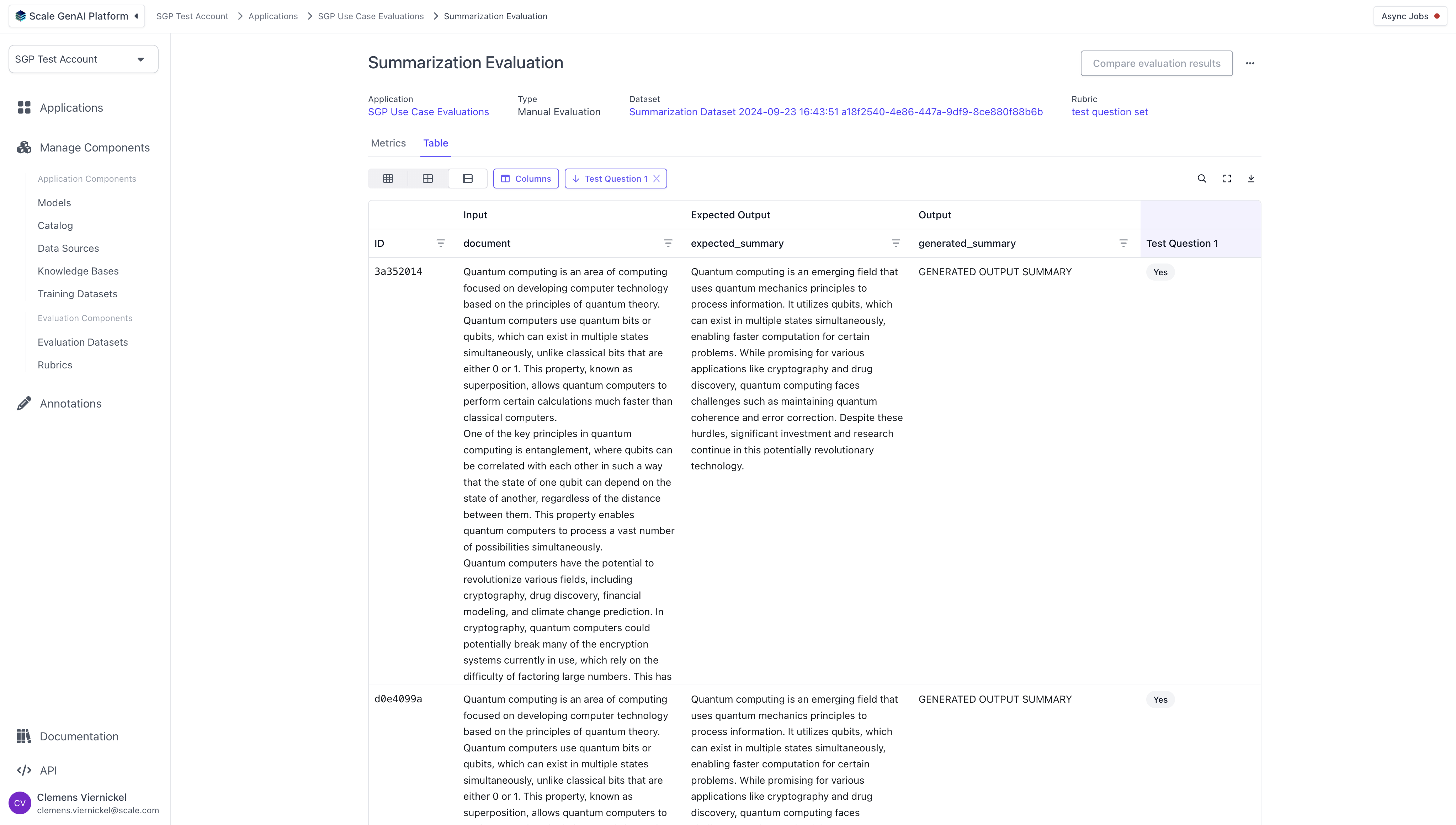
As the annotators complete the tasks, we can review the results of the evaluation by navigating to the respective application and clicking on the previously created evaluation run. The results are split into aggregate results and a tabular detail view with all test cases and their annotations.